
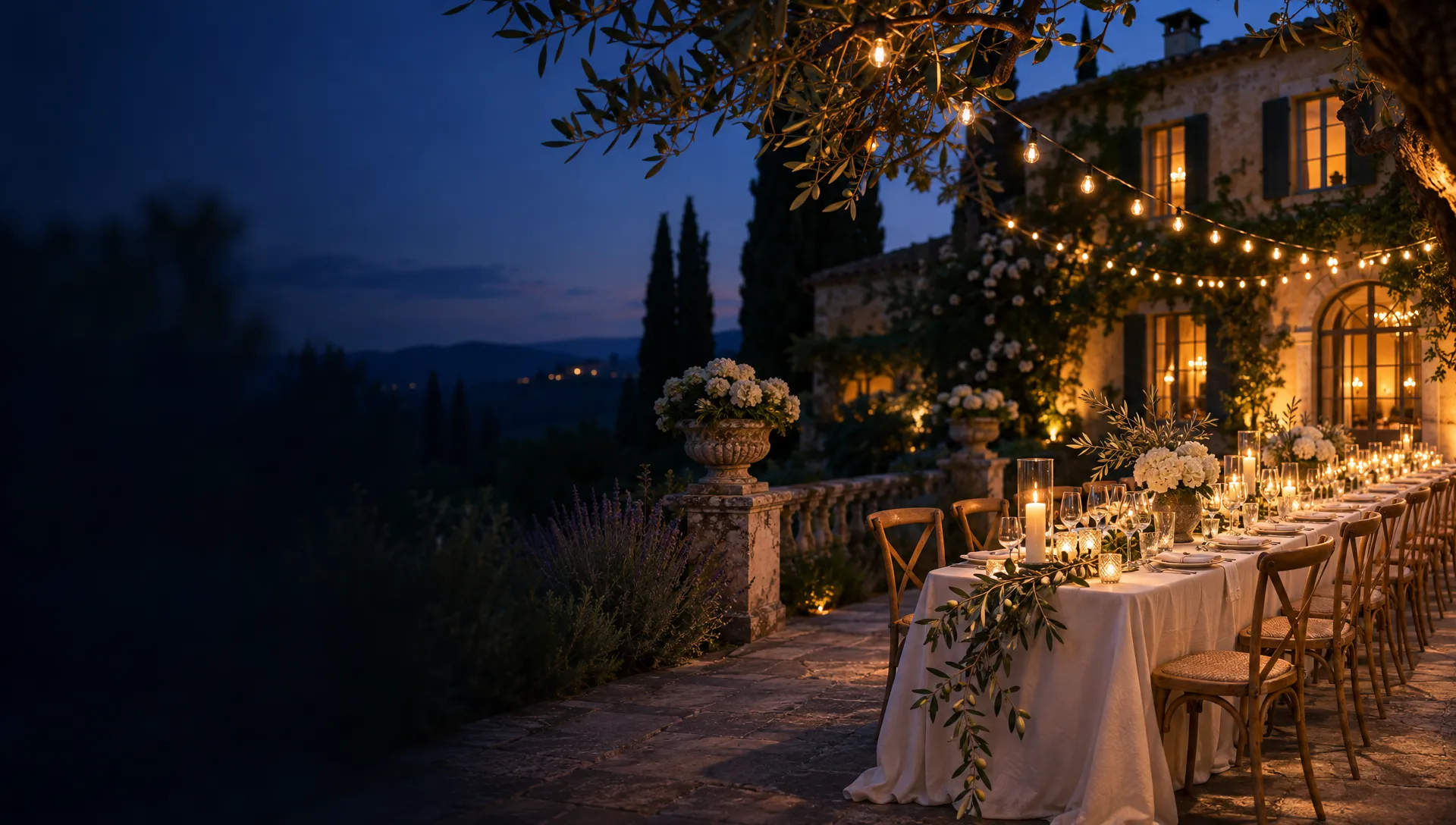
Free for wedding businesses
Your free dates, on your own website.
A wedding availability calendar couples can tap to ask about their day. Free, on any website, in sync with Google and Outlook.
Ready in a few minutes.
No plugin to learn and no settings page. If you can paste a piece of text into your website, you can do this.
 1
Mark your dates
Tap the days you are booked, or hold one for a few days while a couple decides. Already use Google, Outlook or Apple Calendar? Connect it and busy days come in by themselves. 2
Paste one piece of code
Choose the look — your colour, light or dark — and paste the code on your website. Every common website builder takes a minute, and we have a guide for each. 3
Couples ask about their day
A couple taps an open day and writes. The message waits in your inbox here with the date and the number of guests already in it.
Made for every wedding business.
Whether you have one room or five, one team or three — the calendar counts how many weddings you can take in a day.
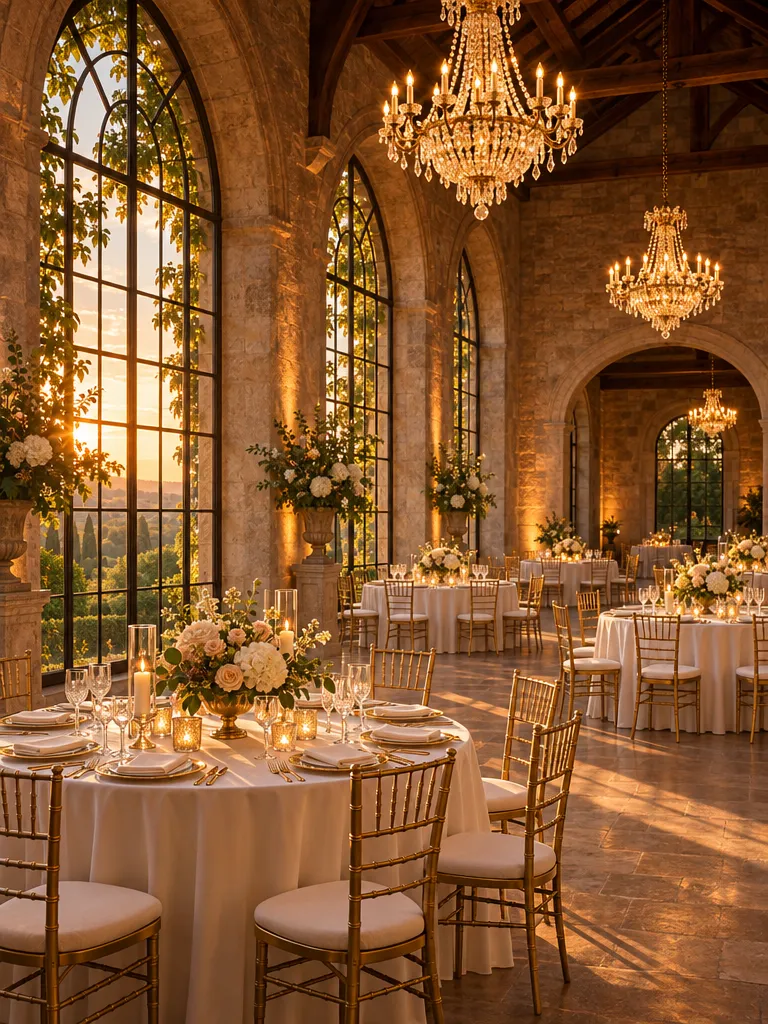 VenuesRooms and gardens, each with its own capacity
 PhotographersOne calendar per team
 FloristsSeveral weddings a day
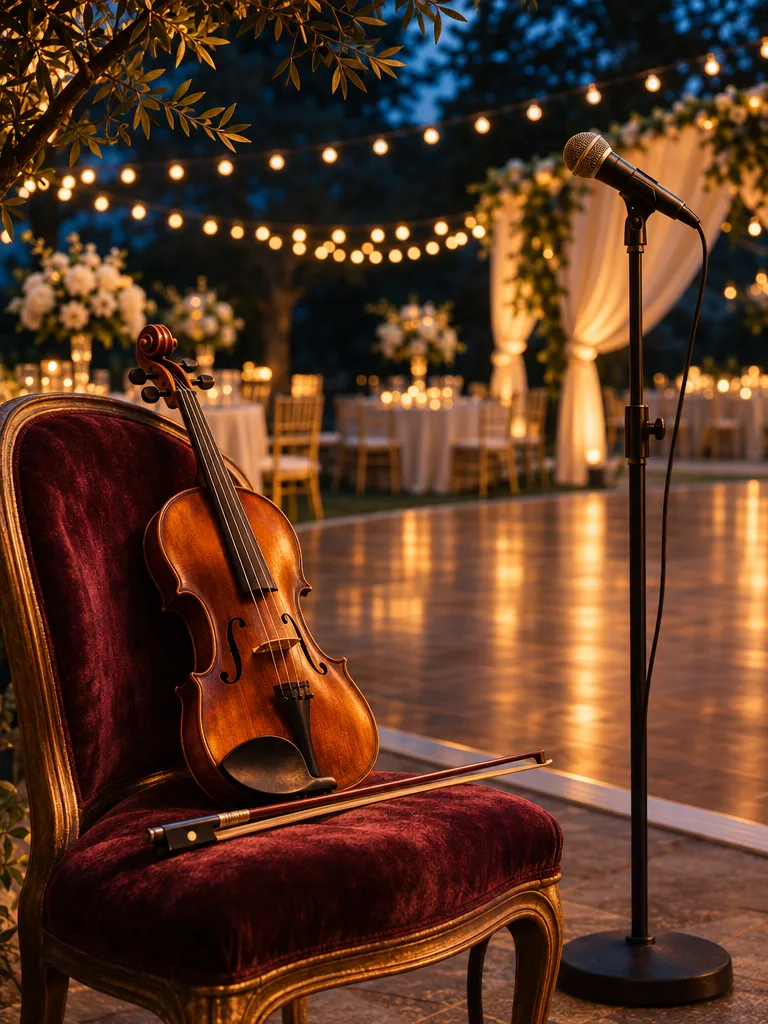 Bands and DJsHold a date while they decide
One calendar, everywhere
Change a date once. Your website, your ask.wedding page and your Google or Outlook calendar all follow.
The Verified mark
With the calendar on your site, your ask.wedding page is marked Verified — the sign couples look for when they compare.
Your clients stay yours
Couples see only open or booked, never names or notes. We never e-mail your clients, and no cookies follow your visitors.
Works with the website you already have.
A short guide for every common website builder. No website? Your ask.wedding page works as one — and as the link in your Instagram bio.
Free, for good.
$0no trial, no limits
It is your calendar. Only you edit it, only you see the details. We ask for one thing.
- The small “on ask.wedding” link stays visible — style everything else as you like.
- We never ask for more links or special link settings.
- Remove the link any time: the calendar keeps working, only the Verified mark goes.
- Unlimited dates, visitors and messages.
Questions businesses ask.
Is it really free?
Yes. The calendar, the inquiry form and your page on ask.wedding cost nothing and have no limits on dates, visitors or messages. We earn from optional paid plans for businesses who want more reach — the website calendar is not one of them.
What do couples see?
Only which days are open, have a few spots left, are on hold or are booked. Never names, notes, prices or which room — those stay private to you.
I already use Google Calendar or Outlook. Do I have to enter everything twice?
No. Connect your calendar's private iCal address once and every busy day shows as booked, read again every few minutes. It works the other way too: add our private feed to Google, Outlook or Apple Calendar and your holds and bookings from here appear there.
Where do the messages go?
Into your Inbox on ask.wedding, together with messages from couples who found you here. You answer there; the couple gets your answer by e-mail with a private link. We never send e-mails to you or your clients on your behalf.
Will it slow down my website?
No. It is one small script that loads after your page, uses no cookies and does not track your visitors. It sits in its own box, so your site's styles and ours never clash.
Does it match my website?
You choose the colour, light or dark, one or two months, and a calendar on the page or a button that opens it. It takes your site's own font automatically.
What is the small “on ask.wedding” link?
It is how we know the calendar is on your website, and it gives your page here the Verified mark couples look for. It must stay visible, but you decide everything else. If you remove it, the calendar keeps working — only the Verified mark goes away.
Do I need a website?
No. Your page on ask.wedding already has your calendar, photos, packages and reviews — many businesses use it as the link in their Instagram bio.
Does it work on phones?
Yes. On a narrow screen it shows one month at a time and the form fits the screen.
I have several rooms, teams or vehicles. Can it handle that?
Yes. Add a calendar for each room or team and set how many weddings each can take in a day. Couples see a day as booked only when everything is full.